.jpeg)
.jpeg)


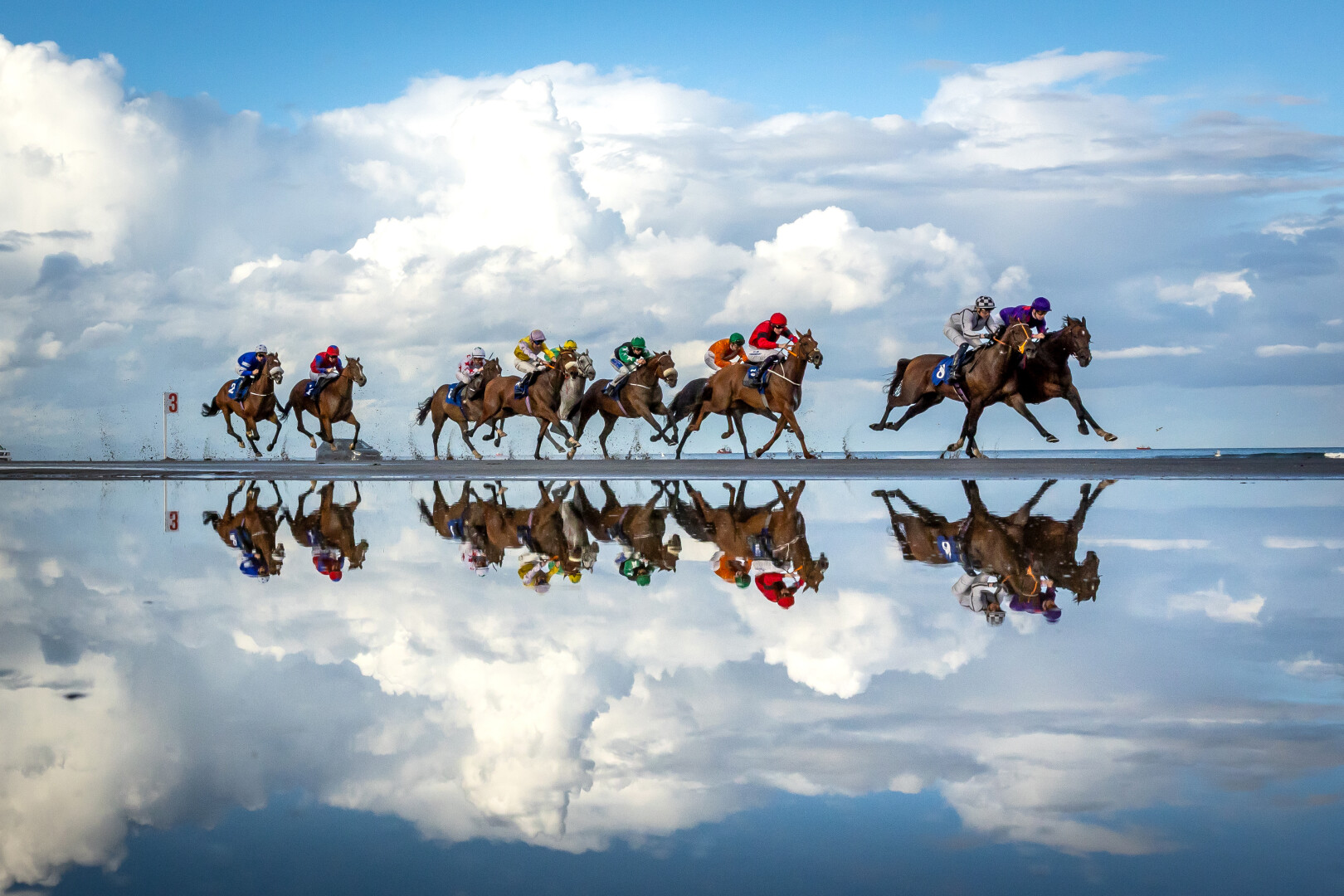
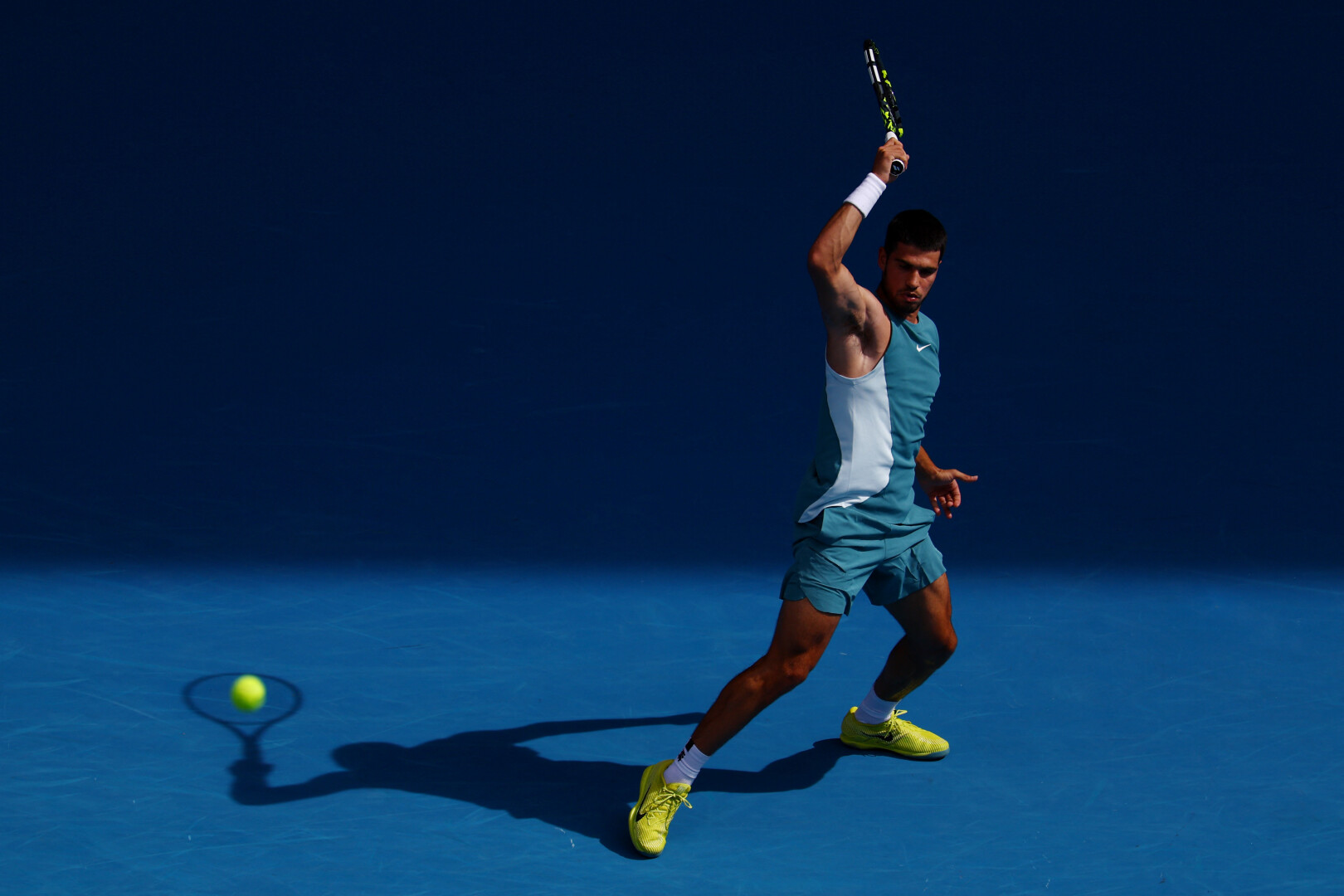
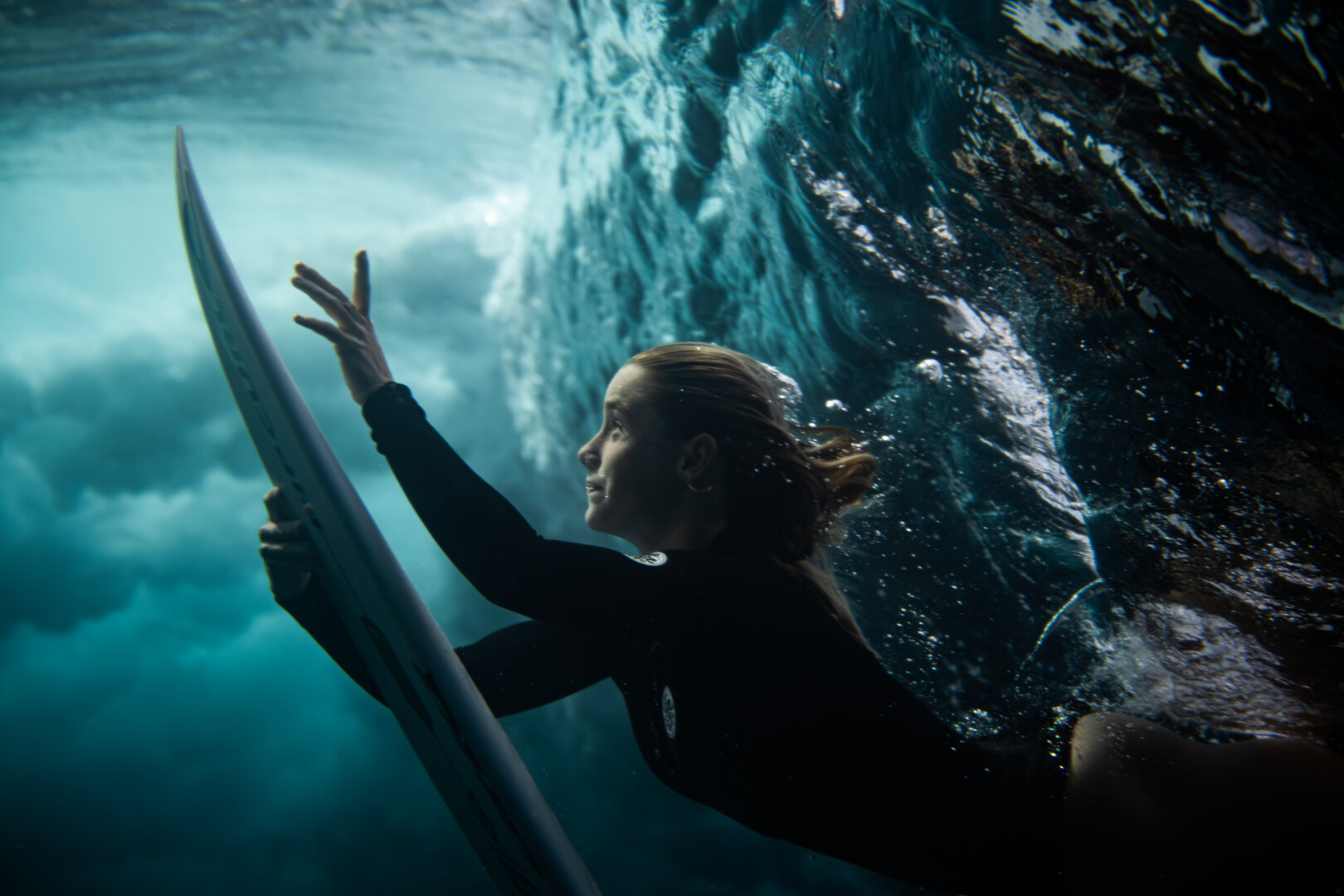
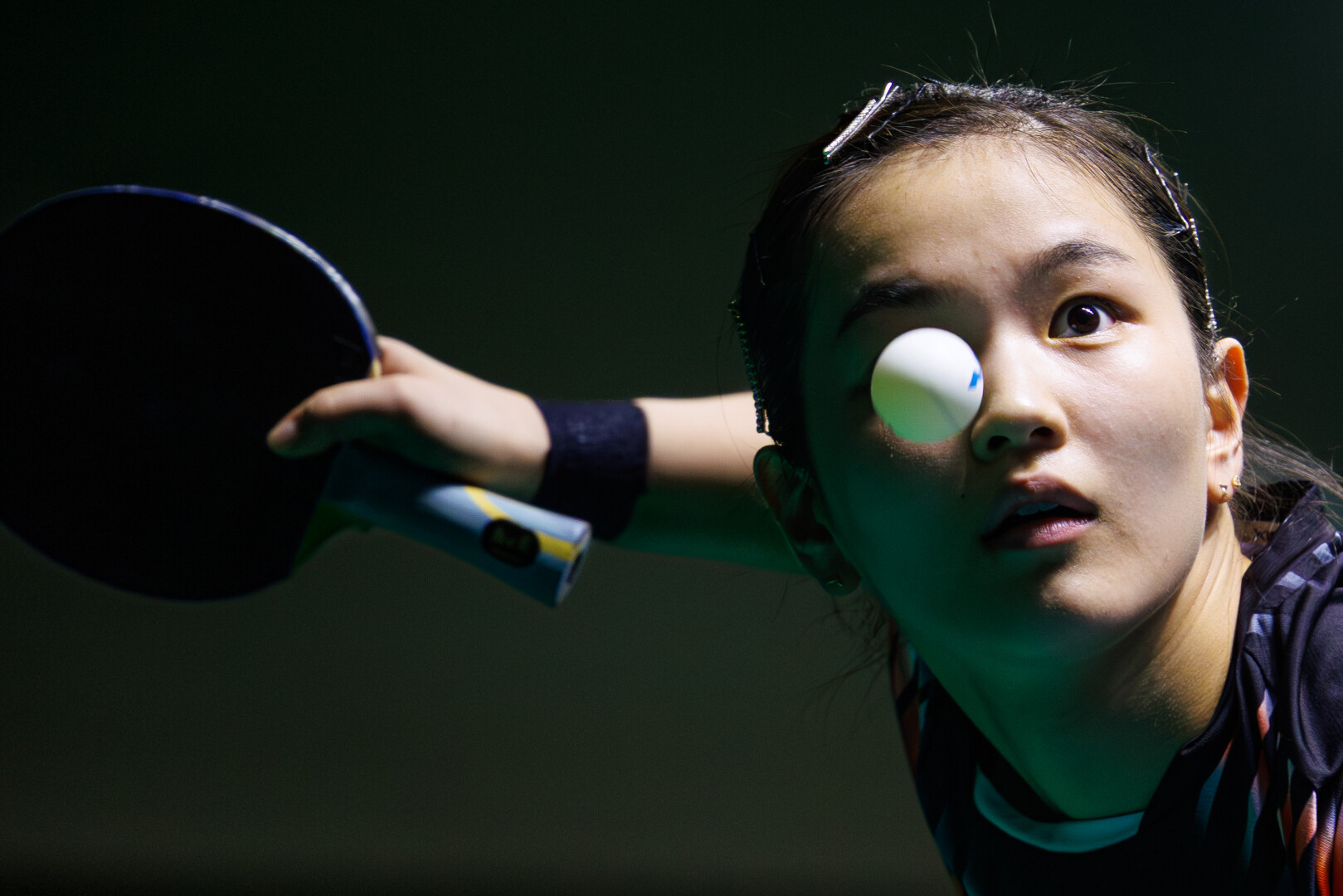
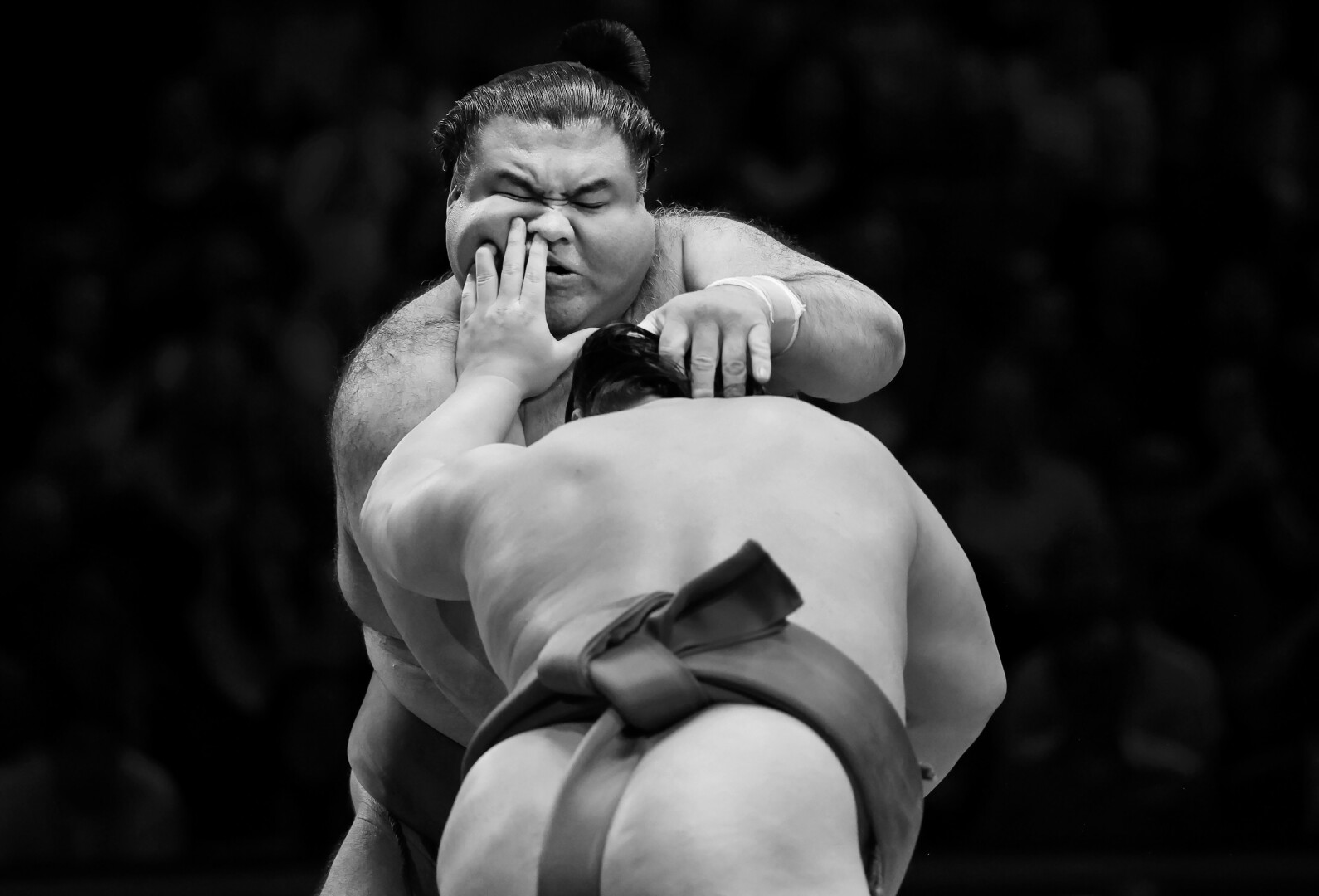
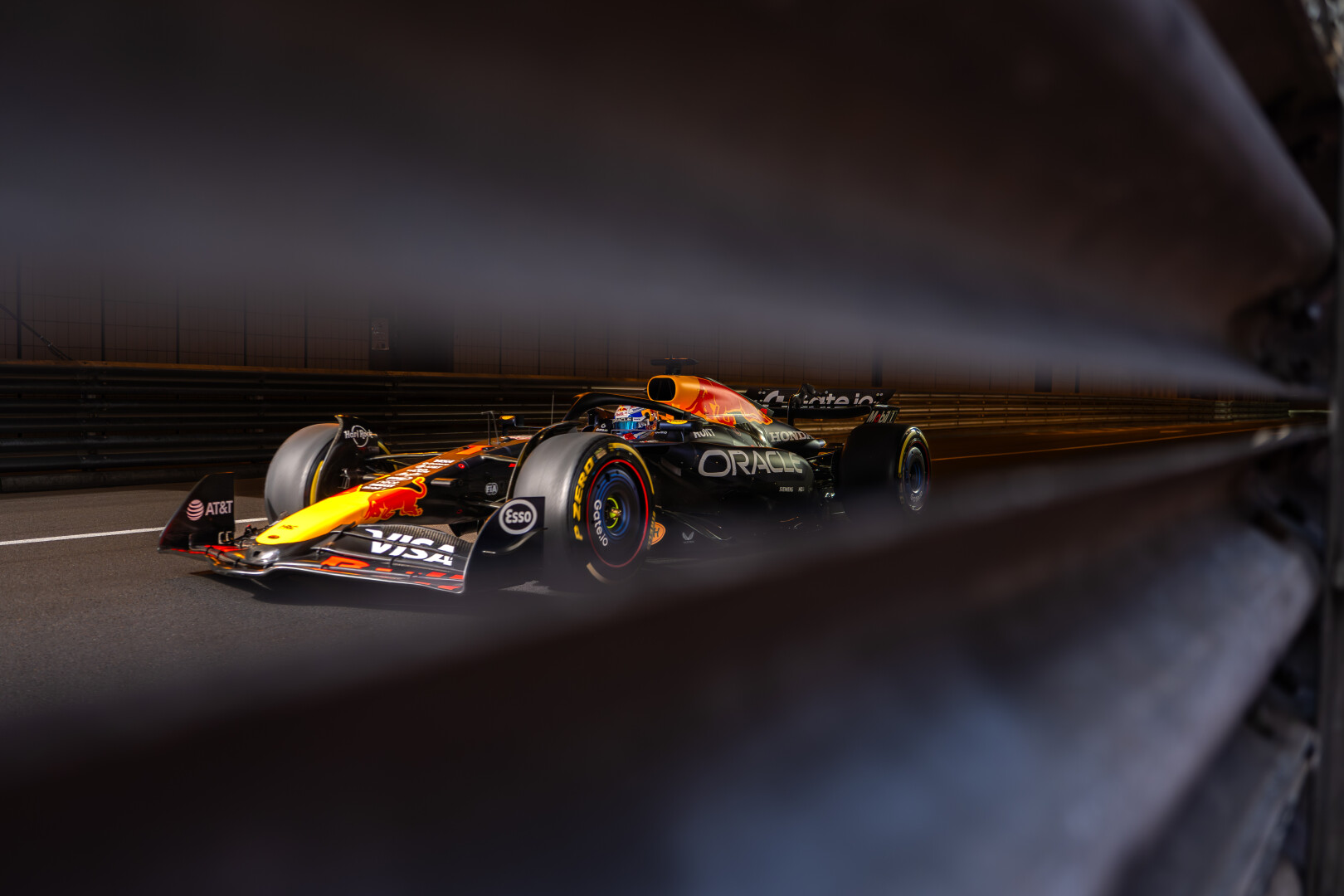
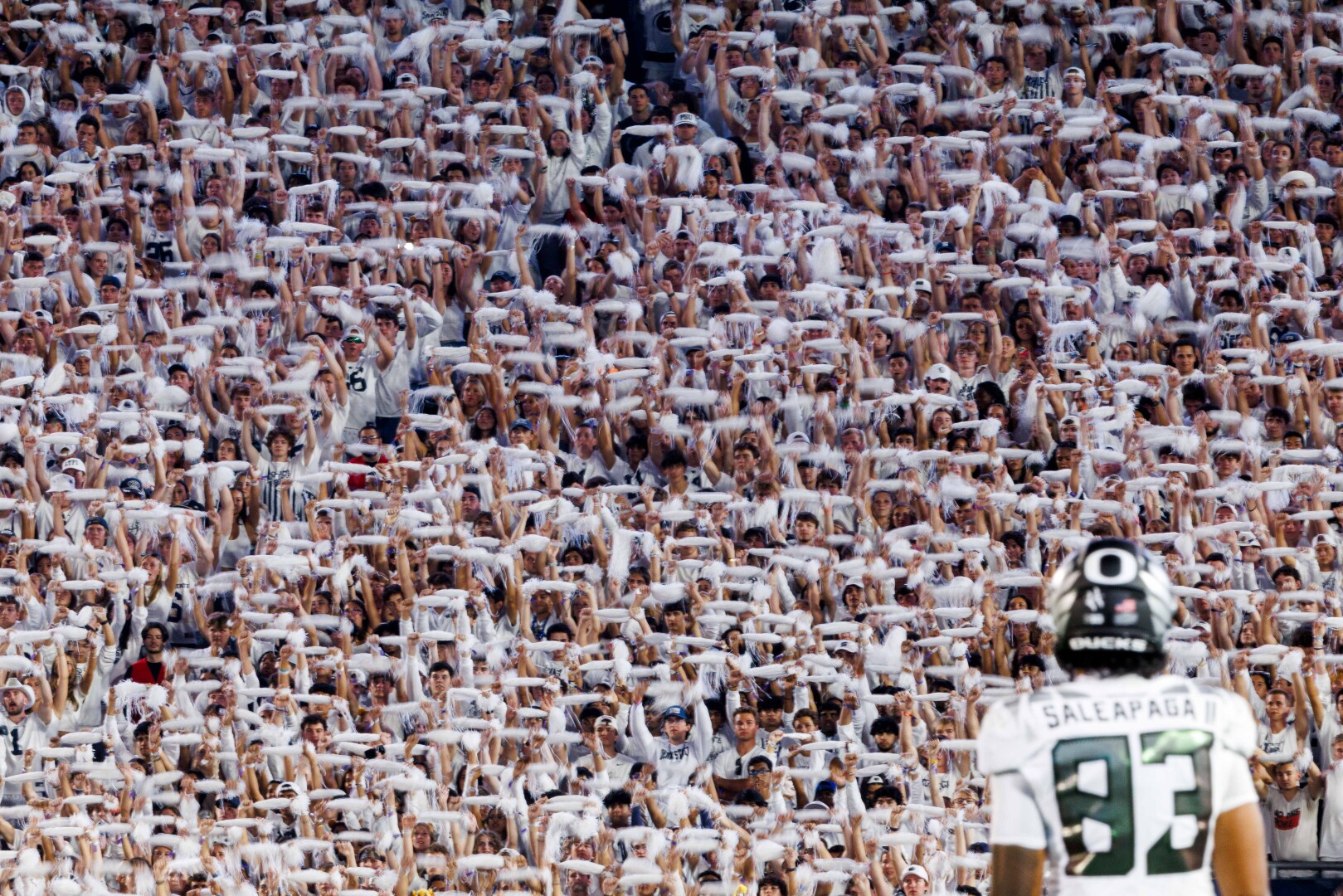
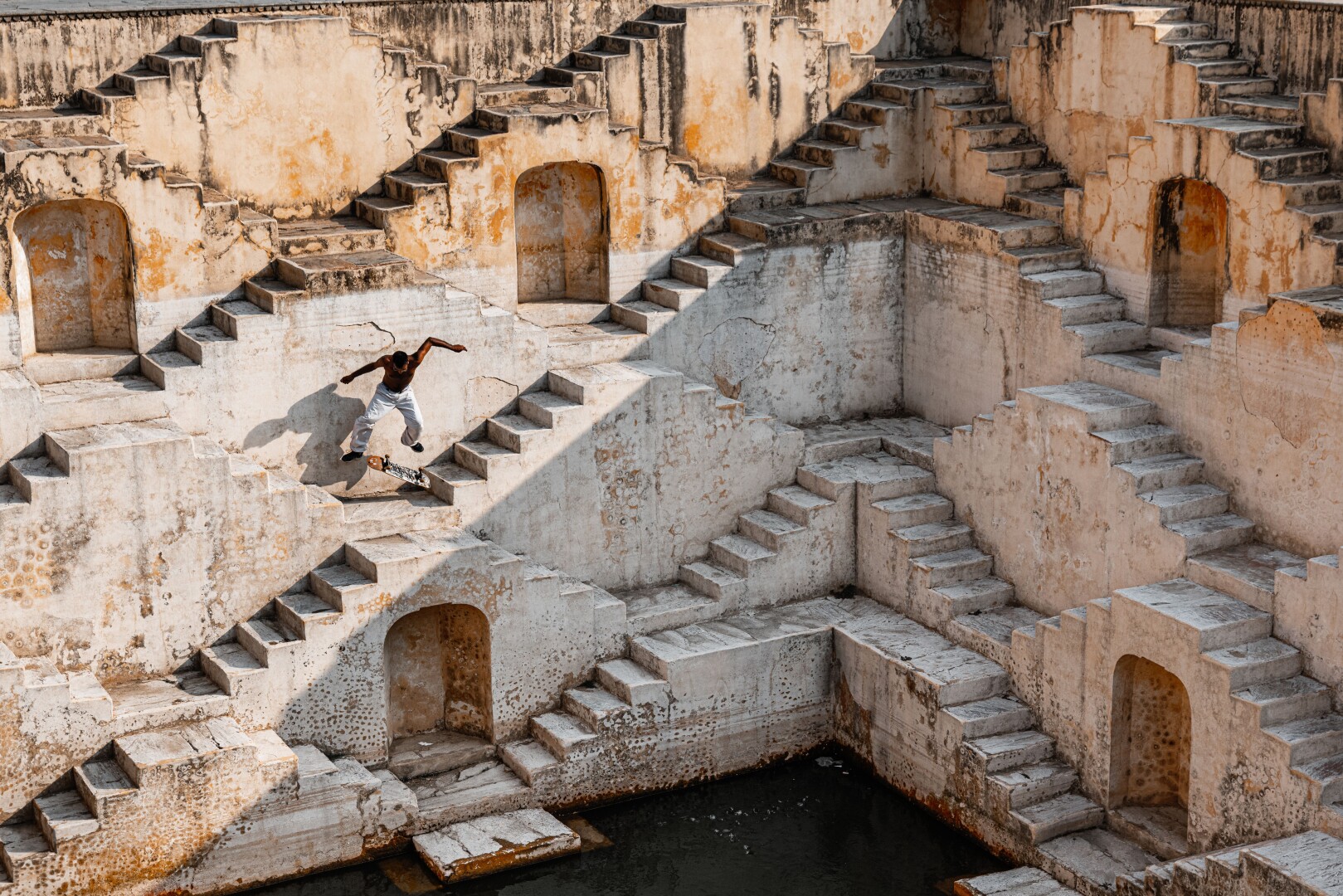
World Sports Photography Awards celebrates sports photography in all its forms, with professional and amateur categories. The Awards are completely free of charge for photographers to enter and are judged by senior international figures from sport, media, brands and photography.
The World Sports Photography Awards is the world’s biggest and most prestigious sports photography competition. Across the seven editions, thousands of professional and semi-professional sports photographers from around the world have submitted more than 60,000 images in 24 sporting categories with the winning images gaining global media coverage.
Nothing has the power to encapsulate the emotion and endeavour of sport like a photograph. The World Sports Photography Awards celebrates the very best in sporting imagery and the incredible photographers who capture these moments. Moments that contain whole stories within them.
.jpeg)
.jpeg)
Sport's influence and power is unrivalled. It represents the best of human endeavour. It transcends language and borders. It inspires, it moves, it delights. World Sports Photography Awards celebrates the amazing power of sport to touch our lives and the amazing power of photography to capture and communicate those moments.

1
To start your entry, click on the ‘Enter’ button on the home page.
2
This will take you to our awards platform where you will be asked to make an account and sign in.
3
Once signed in, you will be asked to enter some information about yourself. Please make sure all information is entered accurately, particularly your contact details, as these will be used to communicate with you, and we may feature you in PR, marketing and social media if you are selected as a finalist.
4
Follow the instructions and upload your images in the appropriate sporting category. You are permitted to enter 10 images up to 10MB in size, and your photos must have been taken between December 2024 and November 2025.
5
It is essential that you provide a name for each image in the file name, and a short description of the image in the metadata.
6
Once you have entered your images, you will receive a confirmation email letting you know we have received your entry.
To start your entry, click on the ‘Enter’ button on the home page or here once categories are opened.
This will take you to our awards platform where you will be asked to make an account and sign in.
Once signed in, you will be asked to enter some information about yourself. Please make sure all information is entered accurately, particularly your contact details, as these will be used to communicate with you, and we may feature you in PR, marketing and social media if you are selected as a finalist.
Follow the instructions and upload your images in the appropriate sporting category. You are permitted to enter 10 images, and your photos must have been taken between December 2025 and November 2026.
It is essential that you provide a name for each image in the file name, and a short description of the image in the metadata.
Once you have entered your images, you will receive a confirmation email letting you know we have received your entry.

If you have any questions about our terms, privacy policy or our treatment of your personal data, please get in touch.
info@worldsportsphotographyawards.com


If you have any questions about our terms, privacy policy or our treatment of your personal data, please get in touch.
info@worldsportsphotographyawards.com
.jpeg)
If you have any questions about our terms, privacy policy or our treatment of your personal data, please get in touch.
info@worldsportsphotographyawards.com
+123 4567890